 Nether
 pruning removes data according to the history a node must retain
Nether pruning reduces disk usage in the Nethermind Ethereum client through separate controls for state data, block bodies and receipts. Full state pruning depends on the database backend, while flat archives can retain all history, a rolling window, selected contract history or data from a fixed block onward. The choice determines which historical queries the node can continue to answer.
Table of contents
Existing databases retain their own capture and retention boundaries, so an upgrade alone does not establish complete historical coverage. A successful current-state request or a running JSON-RPC endpoint also leaves older query availability unproven.
In short: Switching existing unwindowed flat history to rolling or since-block retention requires a fresh sync in Nethermind 2.1.0.
The oldest required query determines the retention policy
The oldest required block determines whether a moving history window will preserve the queries that an application needs. A current balance request needs different data from a call against an old block, while logs and receipts introduce further storage requirements. Removing a data type that the workload still needs changes the queries that the node can support.
Storage savings come from limiting retained coverage. The current world state still needs space, and new state growth continues after a pruning pass.
Flat history and block history use different controls
Nethermind 2.1.0 separates historical account state from historical blocks and receipts, so configuring one retention window does not configure the other.
State changesets
The
FlatDb.History*
settings control the state behind historical
eth_call
,
eth_getBalance
and
eth_getStorageAt
requests. With
FlatDb.Enabled
and
FlatDb.HistoryEnabled
active, the archive captures per-block changesets during synchronization; a snap sync starts that capture at its pivot.
FlatDb.HistoryRetentionBlocks
measures the rolling state window in blocks.
Block bodies and receipts
The
History.*
settings govern stored blocks and receipts, including data behind
eth_getLogs
and
eth_getTransactionReceipt
. With
History.Pruning=Rolling
,
History.RetentionEpochs
measures the window in epochs, and the chain's
minHistoryRetentionEpochs
parameter sets its minimum. Equal-looking numbers in the state and block-history settings do not describe equal windows.
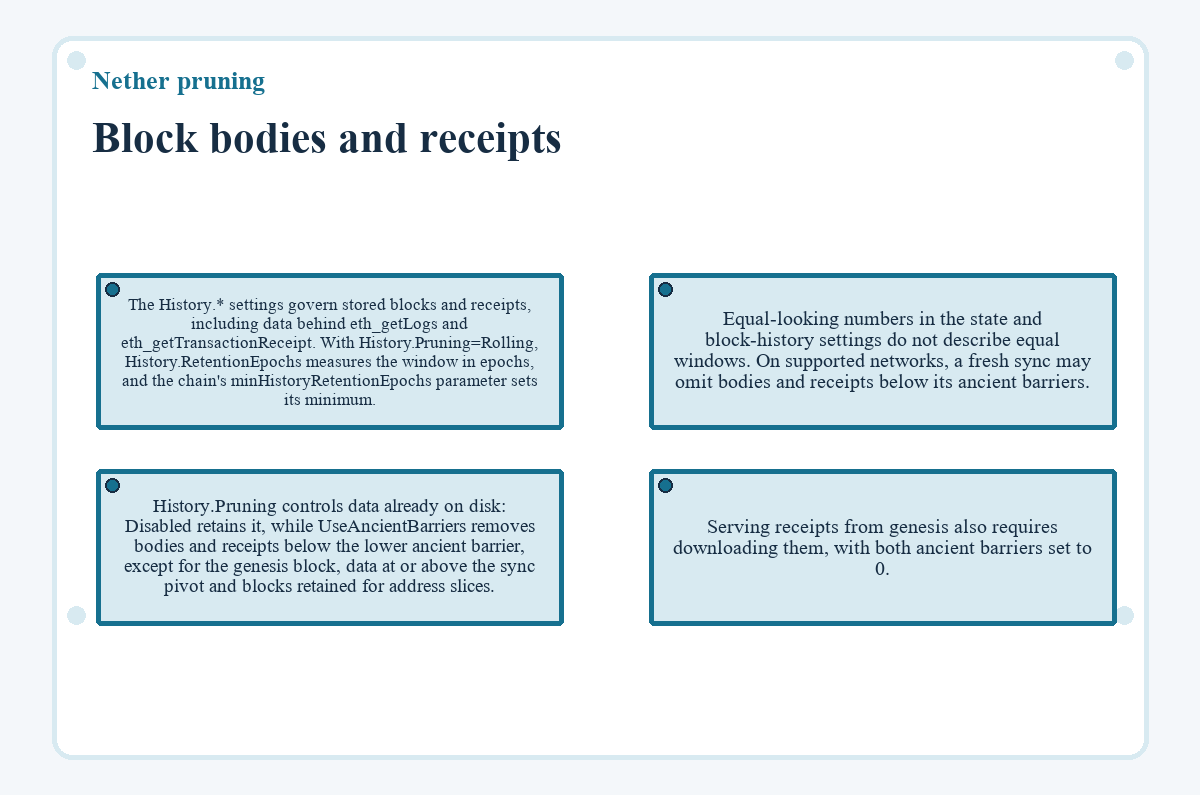
On supported networks, a fresh sync may omit bodies and receipts below its ancient barriers.
History.Pruning
controls data already on disk:
Disabled
retains it, while
UseAncientBarriers
removes bodies and receipts below the lower ancient barrier, except for the genesis block, data at or above the sync pivot and blocks retained for address slices. Serving receipts from genesis also requires downloading them, with both ancient barriers set to
0
.
Full state pruning depends on the database backend
On non-archive nodes, copy-style full pruning compacts the patricia state database by building a replacement containing the state that the running node still needs.
Patricia state
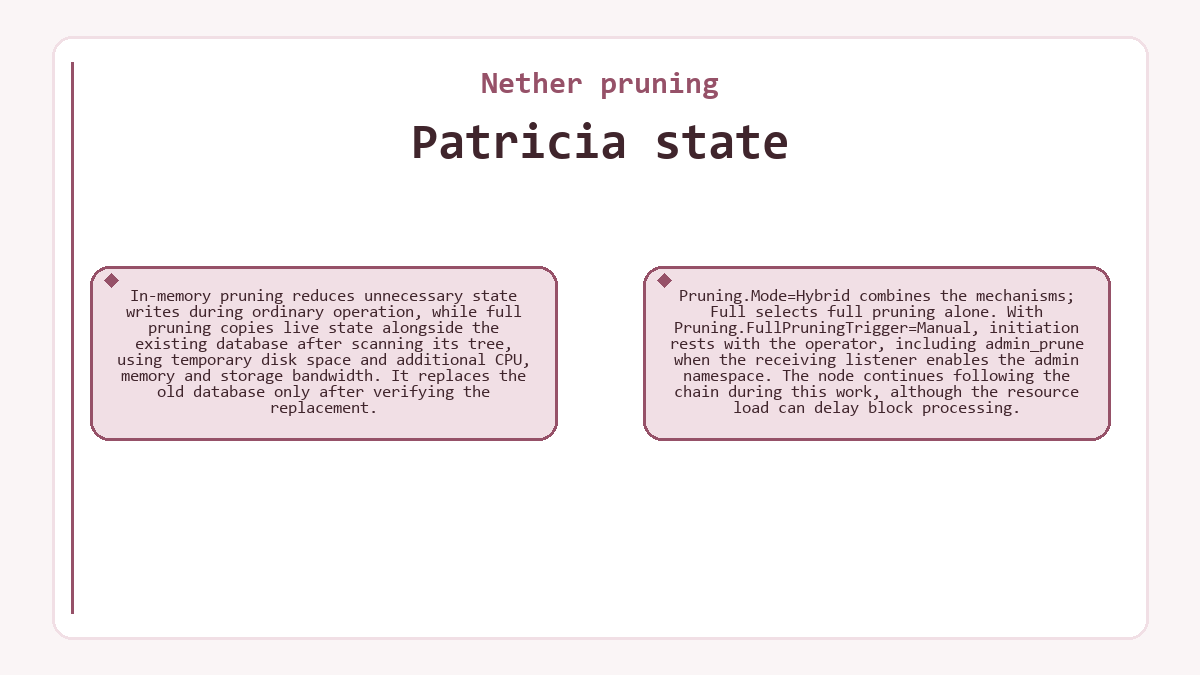
In-memory pruning reduces unnecessary state writes during ordinary operation, while full pruning copies live state alongside the existing database after scanning its tree, using temporary disk space and additional CPU, memory and storage bandwidth. It replaces the old database only after verifying the replacement.
Pruning.Mode=Hybrid
combines the mechanisms;
Full
selects full pruning alone. With
Pruning.FullPruningTrigger=Manual
, initiation rests with the operator, including
admin_prune
when the receiving listener enables the
admin
namespace. The node continues following the chain during this work, although the resource load can delay block processing.
Flat databases
In Nethermind 2.1.0, copy-style full pruning remains available only on the patricia backend.
A flat node warns about an automatic full-pruning trigger because that mechanism is unavailable there, and
admin_prune
reports
disabled
.
An archive must preserve the state that historical requests need, so its configuration uses
Pruning.Mode=None
. This setting leaves explicitly configured rolling state-history and block-history retention policies available for archives.
Which archive shape keeps the required query range?
Full, rolling, address-slice and since-block archives preserve different historical ranges, so the oldest required query determines which shape fits.
Unbounded history, rolling windows and contract slices
With flat history enabled,
FlatDb.HistoryRetention=None
leaves captured state history unbounded, and full coverage from genesis requires capturing that range.
FlatDb.HistoryRetention=Rolling
requires
FlatDb.HistoryRetentionBlocks
to define its moving window.
FlatDb.HistorySliceAddresses
requires Rolling or SinceBlock retention. With Rolling, it preserves deeper state, logs and transactions for selected contracts. With SinceBlock, slices affect only block-body and receipt retention. An address list containing a contract that appears in most blocks can retain most block bodies across that range, because the node keeps each matching block's whole body together with its receipts.
History from a fixed block
FlatDb.HistoryRetention=SinceBlock
and
FlatDb.HistoryRetentionSinceBlock
keep captured state from a chosen block onward; nothing above that floor expires under this policy. Matching blocks and receipts use
History.Pruning=UseAncientBarriers
, with both ancient barriers at that starting block. An indexer can preserve a fixed starting range this way, while storage continues growing. A workload that traces from a particular block needs its state-retention floor one block lower to supply the parent state.
Choosing between a moving window and a fixed floor
A new rolling archive and a since-block archive can both serve recent history. Their shared criterion is the oldest block that must remain queryable.
-
Choose
Rollingwhen the required state range advances with the chain head. -
Choose
SinceBlockwhen a fixed earliest block must remain queryable. - Align block-body, receipt and transaction-hash index retention with that required range. Receipt.TxLookupLimit=0 keeps the lookup index for every stored height.
- Confirm the oldest required state query and the receipt lookup for a transaction inside the retained range.
- An existing unwindowed flat-history database refuses either mode. Use a fresh sync for the new row format.
What does a pruned-history error mean?
A pruned-history error means the requested data falls outside the coverage that the node can serve for that query. A rolling archive refuses old balance and storage reads below its state window. Block and receipt lookups also fail below their served boundary. An
eth_getLogs
range crossing pruned heights returns an error, rather than a silently shortened log set. Applications must distinguish that boundary from a successful query with no matches.
On rolling archives, address slices preserve a narrower exception for historical state reads, which succeed below the general window only for retained sliced addresses. For sliced log queries below a previously pruned boundary,
History.Pruning
must remain enabled so startup checks can establish provable coverage.
Disk reclamation can lag behind the advertised history boundary. Background pruning and later database file rewrites release space gradually.
Historical proofs and receipts need additional retention choices
The flat archive's historical
eth_getProof
path requires unwindowed history with
FlatDb.HistoryRetention=None
in Nethermind 2.1.0.
Rolling
and
SinceBlock
nodes ignore the historical proof switches and log a warning.
FlatDb.ArchiveProofBuildEnabled
writes proof commitments, while
FlatDb.ArchiveProofServeEnabled
enables responses from them; an existing archive also uses
FlatDb.HistoryVerifyEveryBlock
to build missing commitments through verification. Serving works only where verified commitments cover the requested height, so enabling responses alone does not establish that coverage.
On a full archive,
Receipt.DeriveFromState
trades receipt storage for block re-execution using the retained historical state. Existing receipts remain available, and pre-Byzantium receipts and transaction indexes still persist. The node returns a reconstructed receipt only when the receipts root matches the block header.
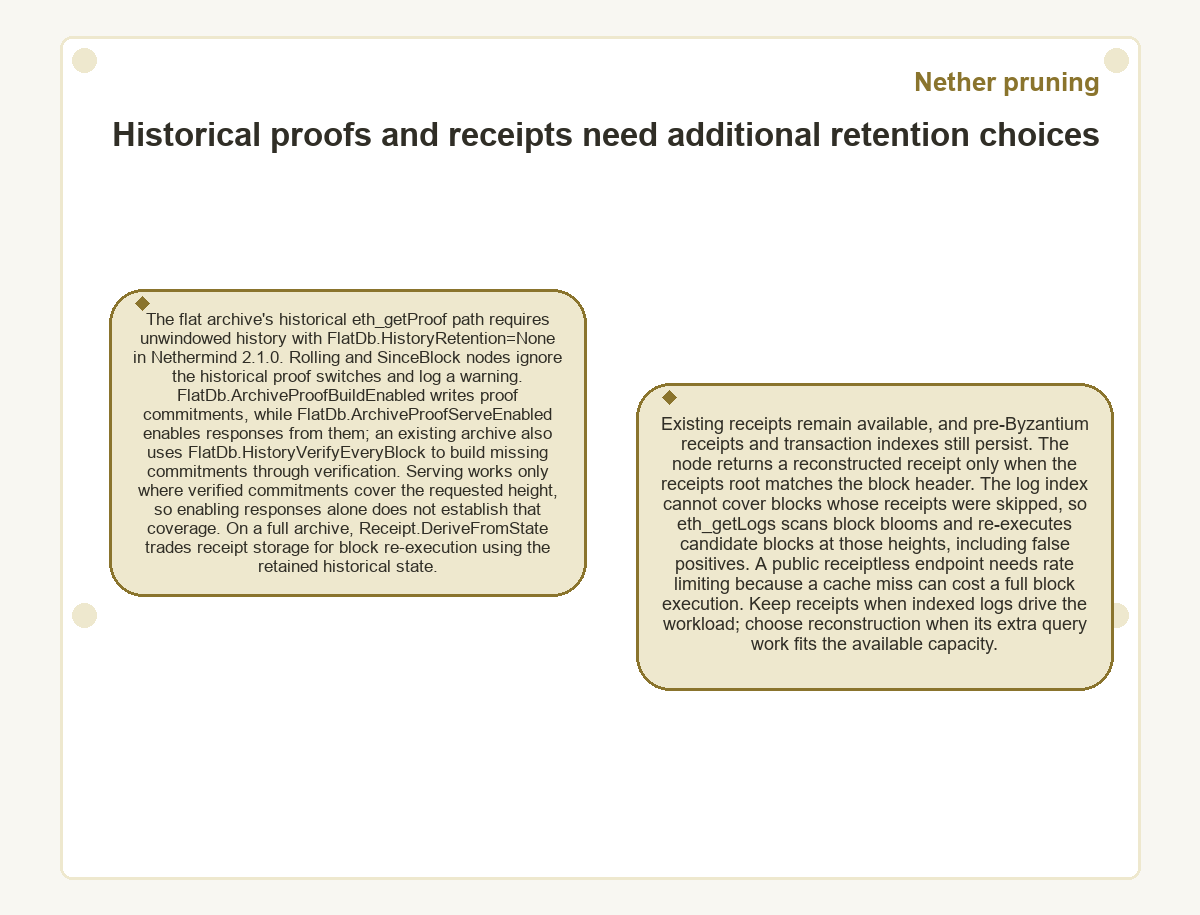
The log index cannot cover blocks whose receipts were skipped, so
eth_getLogs
scans block blooms and re-executes candidate blocks at those heights, including false positives. A public receiptless endpoint needs rate limiting because a cache miss can cost a full block execution. Keep receipts when indexed logs drive the workload; choose reconstruction when its extra query work fits the available capacity.
Things people ask about Nether pruning
Does enabling flat history recover state from before activation?
Enabling flat history captures changes going forward and does not backfill earlier state. The Nethermind 2.0.0 archive transition supports an in-place trie-to-flat import, while an existing patricia archive can retain its original backend. Importing existing state does not create earlier flat-history changesets. A node that previously served an older query from its patricia archive does not automatically gain equivalent flat-history coverage after conversion.
Will a restart preserve an unfinished full-pruning pass?
Restarting Nethermind loses the progress of an unfinished full-pruning pass. This restriction concerns copy-style state pruning on the patricia backend. A pruning-started message or an in-progress node count establishes activity. The finished log message identifies completion, so a running node after restart does not establish that the interrupted pruning pass succeeded.
How do automatic full-pruning thresholds differ?
StateDbSize watches state database size, while VolumeFreeSpace watches free space on the volume holding that database. Pruning.FullPruningThresholdMb supplies the threshold in MB. The first condition concerns database growth above the configured size; the second concerns free space below its configured limit. These triggers require a supported full-pruning mode and the patricia backend.
Can importing block history restore a missing historical balance?
Importing block bodies and receipts below the node's head does not by itself restore historical account state. Era1 covers pre-Merge block history, while EraE covers post-Merge block history. The import path inserts older blocks as historical data. Old balance queries need separately retained account state at the requested block, so a completed block-history import does not establish that those historical balance queries have regained their missing state.
What happens to the transaction changeset index when its history window moves?
On a windowed archive, the transaction changeset index follows the flat-history floor and deletes entries below it. A trace below that floor fails because its required historical state is no longer retained. Missing index coverage within retained state has a different consequence: the client can fall back to ordinary replay. Pruning required state removes query coverage; losing index coverage can make traces slower.
Which proof setting saves space while keeping older proofs available?
FlatDb.ArchiveProofFineEpochs keeps older covered proofs available while trading their speed for lower commitment storage. Recent epochs retain per-block rows, while older epochs keep checkpoints that require more rebuilding per proof. FlatDb.ArchiveProofRecentEpochs instead deletes older commitments and refuses proofs below its retained floor. These options apply to historical proofs on unwindowed flat archives, with serving limited to verified commitment coverage.
Is a node shutdown proof that full pruning succeeded?
A shutdown alone does not prove successful full pruning because completion behavior can include shutdown after failure. Pruning.FullPruningCompletionBehavior=ShutdownOnSuccess shuts down after success, while AlwaysShutdown shuts down after either outcome. The None setting requests no shutdown after pruning.
Updated on