 Nether
 snap sync downloads Ethereum state during a node's initial synchronization
Nether snap sync downloads recent Ethereum state through the Nethermind execution client, avoiding transaction replay from genesis during initial synchronization. The client retrieves state data from peers and reconstructs the required trie locally. Reaching the chain tip and retaining older state are separate choices, with different storage requirements.
With history capture enabled, a snap-started Nethermind archive records state changes from its pivot onward, leaving earlier state outside its coverage.
Snapshot downloads and consensus updates work together
Snapshot downloads provide the execution state that Nethermind needs to process recent blocks, while its consensus client follows Ethereum's proof-of-stake chain. Both clients must use the same network. The consensus client must run before Nethermind starts, and their Engine API connection uses a shared JWT secret. That connection lets the clients exchange chain information. Applications query Nethermind through a separate JSON-RPC interface, whose availability says nothing by itself about synchronization progress.
Account ranges and the pivot define the state download
The pivot is the recent block whose state the snapshot download targets. Its state root commits to that block's account and storage data.
Account data and contract storage
Snap transfers ranges of account data and contract storage, with contract bytecode available through separate requests. Nethermind reconstructs intermediate trie nodes locally, reducing the need to retrieve them individually. Merkle boundary proofs allow a snap client to verify a partial account range against the requested state root.
The pivot and its state root
Ethereum continues producing blocks during the download, so synchronization must reconcile the downloaded state with subsequent chain progress. The pivot identifies a chain position, not a fixed setting that applies to every installation. Its block hash and state root identify the state being requested. Where block access lists are active for the target blocks and peers retain them, Nethermind 2.1.0's flat backend can replay their state changes to reconcile its download. Sync.BalHealing defaults to true; disabling it selects trie-node healing. The reconstructed state root must match the state root in the target block header before synchronization can finish.
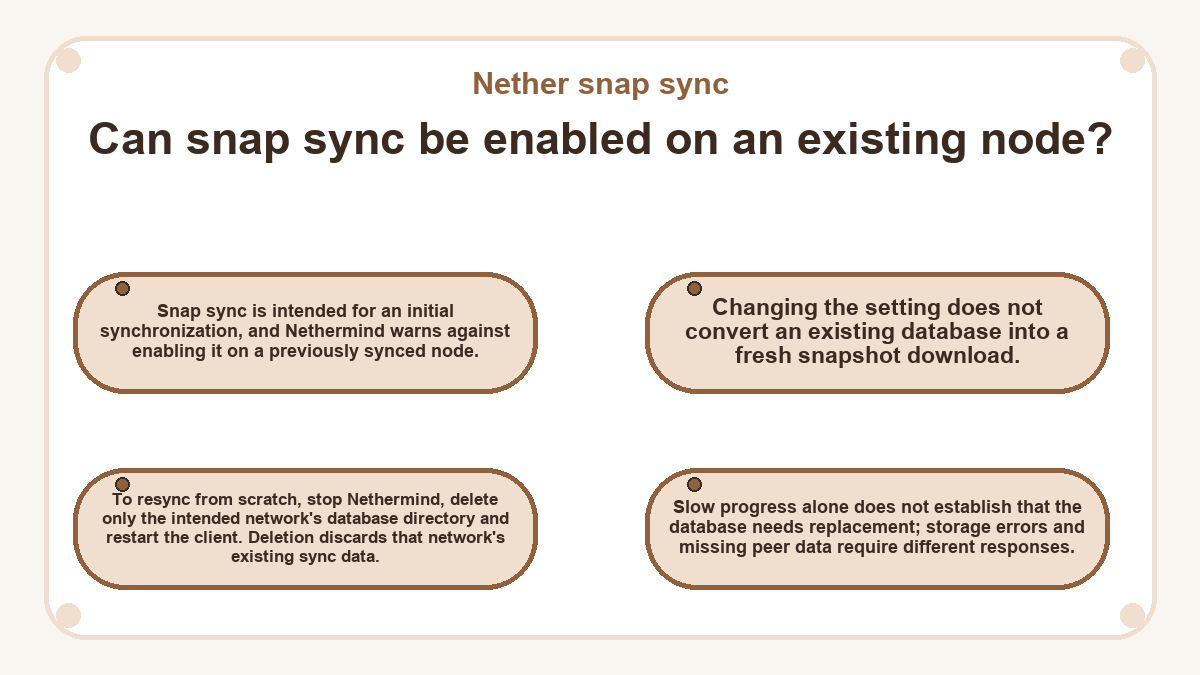
Can snap sync be enabled on an existing node?
Snap sync is intended for an initial synchronization, and Nethermind warns against enabling it on a previously synced node. Changing the setting does not convert an existing database into a fresh snapshot download. To resync from scratch, stop Nethermind, delete only the intended network's database directory and restart the client. Deletion discards that network's existing sync data. Slow progress alone does not establish that the database needs replacement; storage errors and missing peer data require different responses.
Network presets determine the effective snap setting
The selected network configuration and its overrides determine whether Nethermind actually uses snap sync. A setting's base default can differ from a bundled network preset.
Preset values and overrides
In Nethermind 2.1.0, the base configuration lists
Sync.SnapSync
as
false
, while supporting network presets commonly enable it. The explicit command-line form is
--sync-snapsync true
. Command-line arguments override environment variables, which override configuration-file values. Consequently, editing a file may leave the running choice unchanged when a higher-priority setting supplies another value. Configuration option names are case-sensitive, so their exact spelling matters.
Account-range concurrency
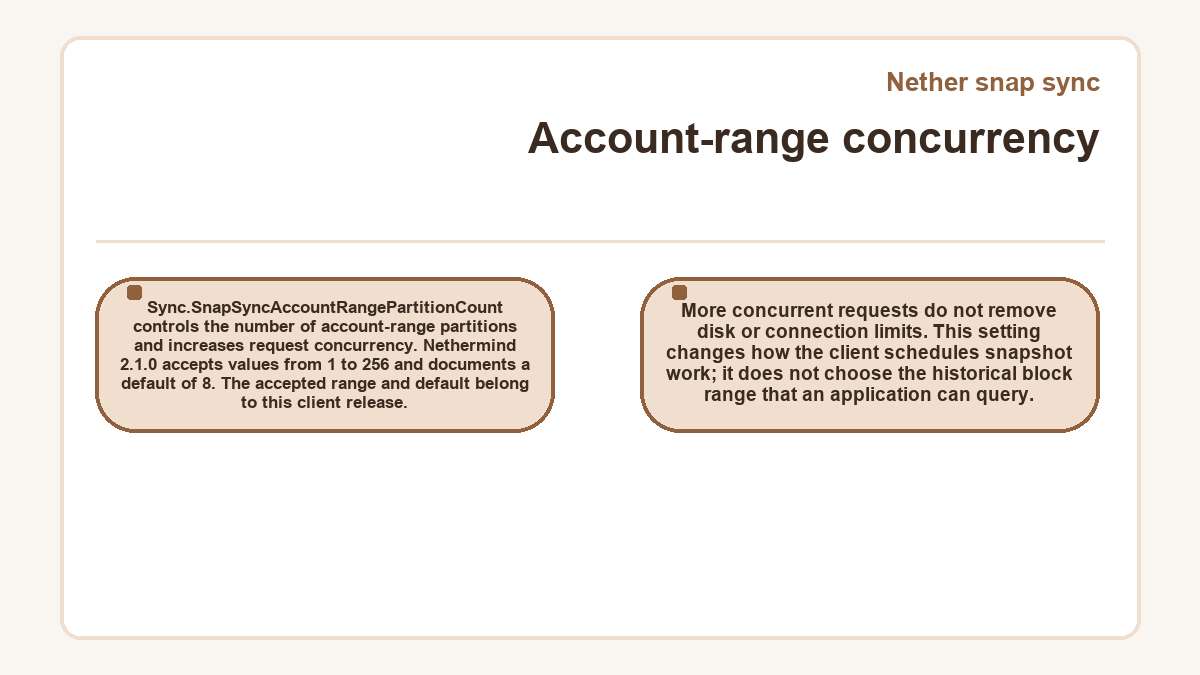
Sync.SnapSyncAccountRangePartitionCount
controls the number of account-range partitions and increases request concurrency. Nethermind 2.1.0 accepts values from 1 to 256 and documents a default of 8. The accepted range and default belong to this client release. More concurrent requests do not remove disk or connection limits. This setting changes how the client schedules snapshot work; it does not choose the historical block range that an application can query.
What shows that a snap sync has caught up?
Continued processing at the chain head, consistent sync-status reporting and a healthy consensus connection together indicate that Nethermind has caught up.
eth_syncing
reports the client's synchronization status through JSON-RPC. Its status data can include
currentBlock
,
highestBlock
and
isSyncing
. These values describe the node's own progress and known target. A reported height needs context: the client may know a block before completing all the work needed to serve its state.
A
false
sync response is a useful completion signal. Continued head processing confirms that the node also follows newly arriving blocks.
State acquisition, historical block-body downloads and receipt downloads represent different work. Finishing one does not establish that the others have finished. A node may have recent execution state while historical downloads continue. The relevant remaining work depends on its configuration and intended queries, so a single download percentage cannot describe every capability that the node will eventually provide.
Likewise, a reachable RPC listener establishes that the service accepts connections. It does not establish that recent state queries are ready. The Engine API connection and consensus-client status remain relevant when a node stops advancing, even if an application can still reach its RPC port.
Storage performance affects the path from downloading to processing
Snap sync saves work on acquiring state, yet the node still needs storage that can handle its database workload. Nethermind's 2.1.0 hardware guidance suggests 16 GB of memory and four CPU cores for Ethereum mainnet. Its disk guidance recommends an SSD capable of at least 10,000 read IOPS and 10,000 write IOPS. IOPS measures input/output operations per second. These are hardware recommendations, not a promised completion time. Raw disk capacity and sustained database performance answer different questions, and the consensus client also consumes storage.
Chain growth and the chosen history policy change the required capacity. An old database-size measurement cannot establish the space needed for a new installation. Retaining additional state history also changes the workload after the initial download finishes. Snap sync therefore does not make archive storage requirements disappear.
Peer availability and connection limits affect catch-up
Snap synchronization requires peers that can supply the requested state, alongside the connections needed for ordinary chain data. A high peer count alone does not establish useful snapshot coverage. When enabled on a local management interface,
admin_peers
exposes connected-peer information, including advertised protocol capabilities. Those details help distinguish a connection problem from a peer set that lacks the required capability. An advertised capability still does not prove that a peer retains every requested state.
Allowing more connections through
Network.MaxActivePeers
can improve synchronization and increase network load. Faster outbound connection attempts can run into router or provider limits. Connection counts and account-range partitions control different resources. Neither supplies a universal speed multiplier. Published synchronization measurements also belong to their tested hardware, network and client version; their elapsed times do not become deadlines for another node.
Which history can a snap-started node retain?
A snap-started archive can retain unbounded history, a rolling window, deeper data for named contracts or history above a fixed floor. In Nethermind 2.0, snap sync captures state changes from the pivot onward when flat-history capture is enabled. These profiles retain captured data; they do not reconstruct earlier historical state. Historical state reads outside retained coverage return a pruned-history error.
| Archive profile | Historical data it can serve | Required starting coverage |
|---|---|---|
| Full archive | Historical state from genesis, with stored or regenerated receipts | Genesis execution, with receipts downloaded from genesis or regenerated using Receipt.DeriveFromState=true; skipped receipts do not populate the log index |
| Windowed archive | A rolling recent range | Captured history covering the requested window |
| Address-slice archive | A rolling range plus deeper history for named contracts | Captured data covering each contract's configured slice depth |
| Since-block archive | Captured history from a fixed floor onward | State capture reaching back to the selected floor |
These profiles use the flat-history architecture introduced in Nethermind 2.0. Historical state and historical blocks or receipts have separate retention controls. Keeping old receipts alone does not preserve the state required for an old balance query. Archive nodes also require
Pruning.Mode=None
, because full state pruning conflicts with archive history. Selecting
Rolling
or
SinceBlock
on an existing unwindowed flat-history database requires fresh flat history; Nethermind refuses an in-place conversion.
Fast sync and genesis replay answer different needs
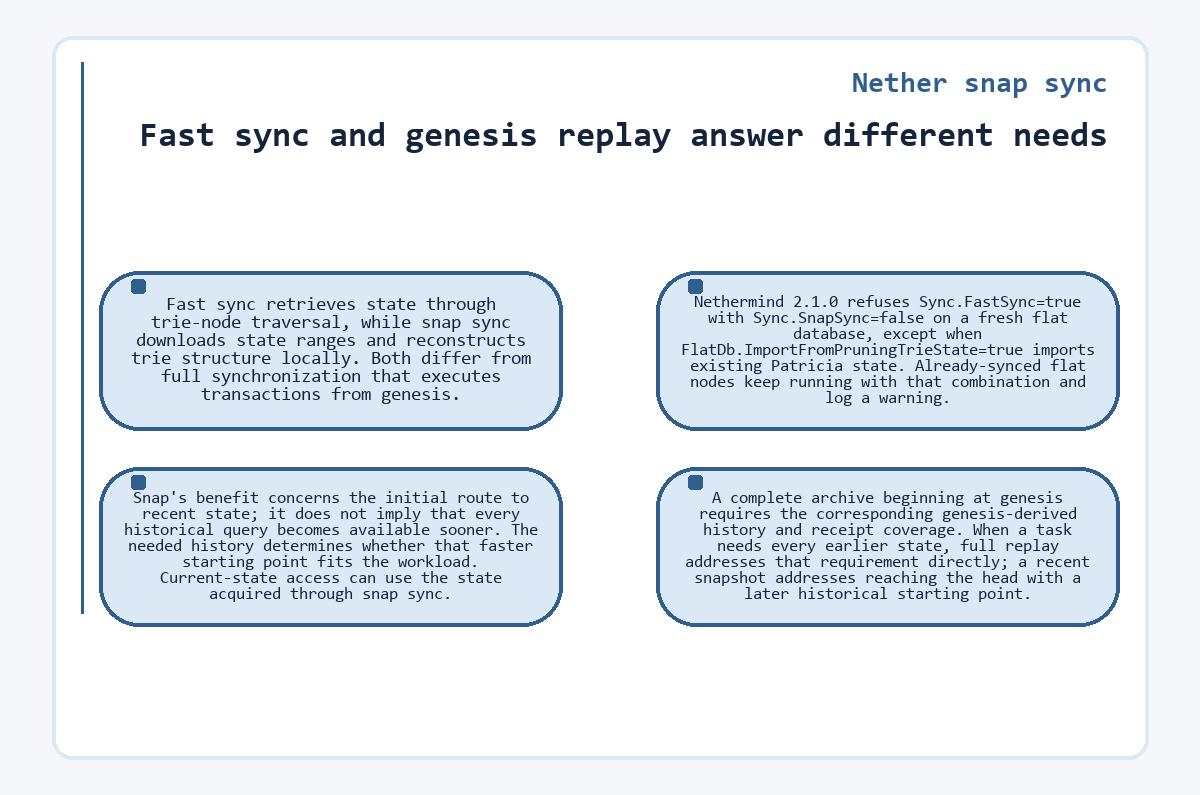
Fast sync retrieves state through trie-node traversal, while snap sync downloads state ranges and reconstructs trie structure locally. Both differ from full synchronization that executes transactions from genesis. Nethermind 2.1.0 refuses Sync.FastSync=true with Sync.SnapSync=false on a fresh flat database, except when FlatDb.ImportFromPruningTrieState=true imports existing Patricia state. Already-synced flat nodes keep running with that combination and log a warning. Snap's benefit concerns the initial route to recent state; it does not imply that every historical query becomes available sooner. The needed history determines whether that faster starting point fits the workload.
Current-state access can use the state acquired through snap sync. A complete archive beginning at genesis requires the corresponding genesis-derived history and receipt coverage. When a task needs every earlier state, full replay addresses that requirement directly; a recent snapshot addresses reaching the head with a later historical starting point.
What to know about Nether snap sync
Is port forwarding mandatory for Nethermind snap sync?
Port forwarding is optional, although it can improve peer discovery and incoming connectivity. Router behavior, provider-level NAT and network policy affect whether it is available. The execution and consensus clients have separate networking requirements, so forwarding a port for one does not configure the other.
Where should Nethermind store snap sync data before a reinstall?
An explicit data directory outside the installation directory reduces the risk of losing synchronization data during reinstallation. The directory needs sufficient disk space and read/write permissions. Keeping the location separate protects it from installation cleanup; release-specific database compatibility still governs whether an upgrade can reuse it.
Why can a missing-trie-node error appear during snap synchronization?
Missing-trie-node errors can indicate incomplete data or database corruption. While initial synchronization continues, the error does not by itself establish that a full resync is necessary. Persistent errors after synchronization call for further diagnosis. Hardware faults and abrupt shutdowns can corrupt the database.
Are historical state proofs automatic after a snap sync?
Historical proofs require separate configuration and commitment coverage. In Nethermind 2.0, they require unwindowed flat history with retention set to None, plus enabled commitment building and proof serving. Rolling and SinceBlock modes ignore those proof switches. Even with serving enabled, the node refuses a historical height that its commitments do not cover.
Can a snap-started archive trace its first retained state block?
Tracing a block requires its parent state, so state coverage must extend one block below the first block that needs tracing. A since-block floor at the desired trace block itself is insufficient. This requirement concerns the state needed for replay, independently of whether the node has downloaded the block body.
What does an empty account-range reply from a snap peer mean?
An empty reply can mean that the peer does not hold state for the requested root. Snap requests target particular states, and a peer's general protocol support does not imply coverage of every target. One unavailable response therefore does not establish that the receiving node's database is corrupt.
Why does another Nethermind process report a database lock during snap sync?
Another process may already be using the database, or the previous run may not have closed it properly. The lock error identifies an access problem rather than proving that snapshot data is invalid. A live process must release its database before another process can safely use that same directory.
Updated on